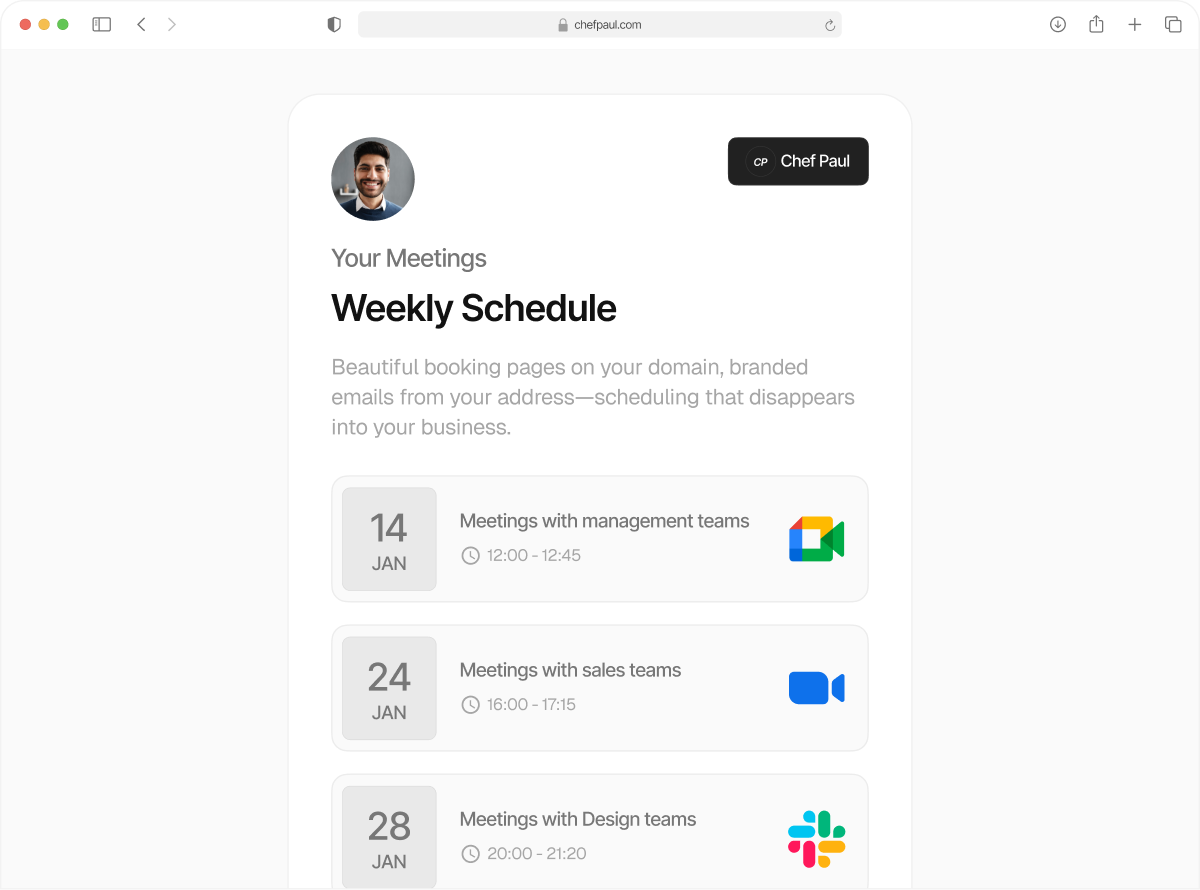
Toggle between calendars to
show realistic availability
Control your booking schedule with set availability scheduling and multiple availability windows, so people only see slots that match your day, week, or month.
Your calendar should reflect your multiple realities
Your availability changes through the year, which means your calendar isn't static. With schedule.so you can create set availability schedules like "Work from Home Week", "Conference Season", or "Summer Schedule", each with its own multiple availability windows, and toggle between calendars based on what your reality really looks like that week.
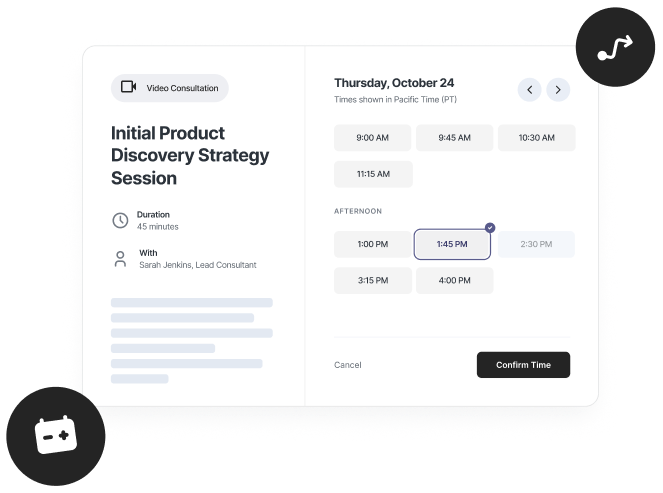
Set up multiple availability windows in under 5 minutes
No developers. No complicated setup. Just a few simple steps, and your custom availability schedule is live.
Create a schedule
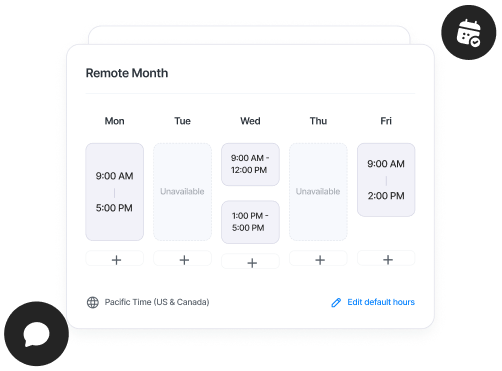
Name your calendar, "Remote Month", "Conference Season". You can create as many named availability schedules as you need.
Add your time windows
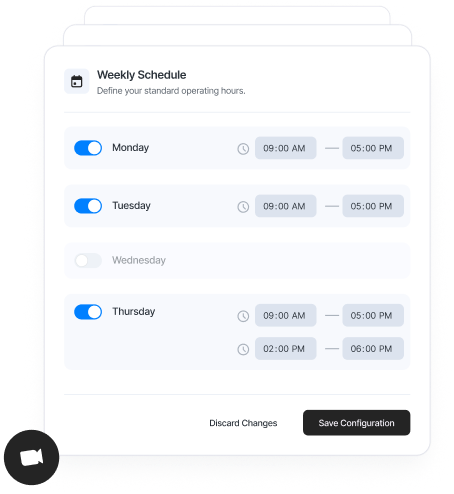
Set your working hours for each day by adding multiple availability windows to match how your schedule actually looks.
Duplicate across days
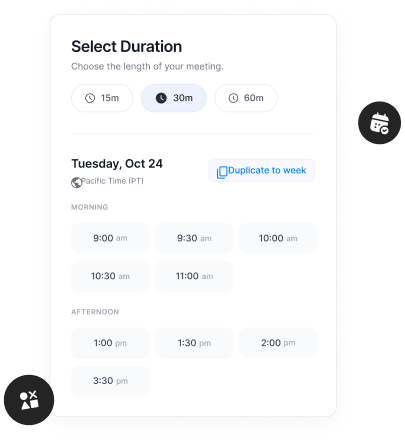
Set it once, then copy your time windows across the week in one click.
Assign it to an event type
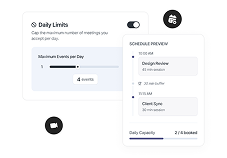
Choose which schedule each meeting uses. Your intro calls can use one availability schedule, while your paid sessions use another.
Switch when your schedule changes
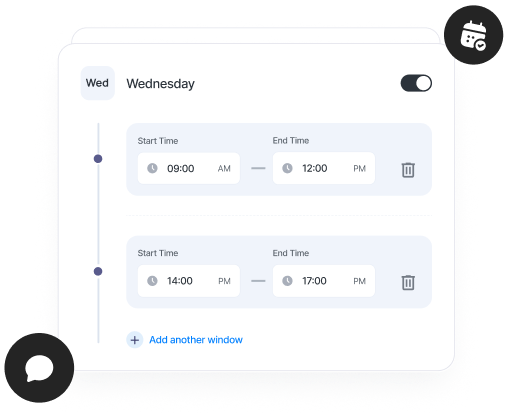
Working a different week? Just switch to another schedule, no need to rebuild anything.
What you can do with availability schedules
Create as many schedules as you need
No limits. Set up different availability schedules for different weeks, clients, or working styles, and switch anytime.
Add multiple time windows per day
Morning calls, afternoon focus, evening clients. Use multiple availability windows to reflect how your day actually works.

Duplicate across days in one click
Set your time windows once, then copy them across the week. No repetitive setup.

Set a timezone per schedule
Running different schedules for different regions? Set a timezone for each availability schedule so slots display correctly for everyone.

Assign schedules to event types
Use different schedules for different meetings. Your intro calls, paid sessions, and team meetings can all follow different availability schedules.
Flexibility is the ultimate flex, these people get it.

Consultants & Coaches
Client calls in the morning, deep work in the afternoon, international clients in the evening. Use multiple availability windows and named availability schedules to structure your day without opening your entire calendar.

Founders & Operators
Some weeks are normal. Some are chaotic. Create schedules like "Standard Week" or "Troubleshoot Week", and switch your availability schedule without rebuilding it every time.

Freelancers with multiple clients
Different clients, different expectations. Use custom availability schedules for each type of work and keep your time organised without overlap.

Global teams & consultants
Working across timezones? Set a different timezone per availability and create dedicated windows for each region.
Frequently Asked Questions
Unlimited. Create as many named availability schedules as you need, for different weeks, clients, or working styles.
Yes. Each event type can use its own availability schedule, so your intro calls, paid sessions, and team meetings can all follow different timings.
Yes. You can create multiple availability windows per day, morning, afternoon, evening, however your schedule actually works.
Yes. Each availability schedule can have its own timezone, so you can manage availability across regions without confusion.
Changes apply instantly to your booking page. Updated time slots reflect immediately, while existing bookings stay unaffected.
Yes. You can create schedules like Conference Season or Summer Schedule and switch between them whenever your availability changes.
Finally, a booking calendar that gets your routine
Set your availability schedule with multiple time windows and switch between schedules whenever your routine changes.