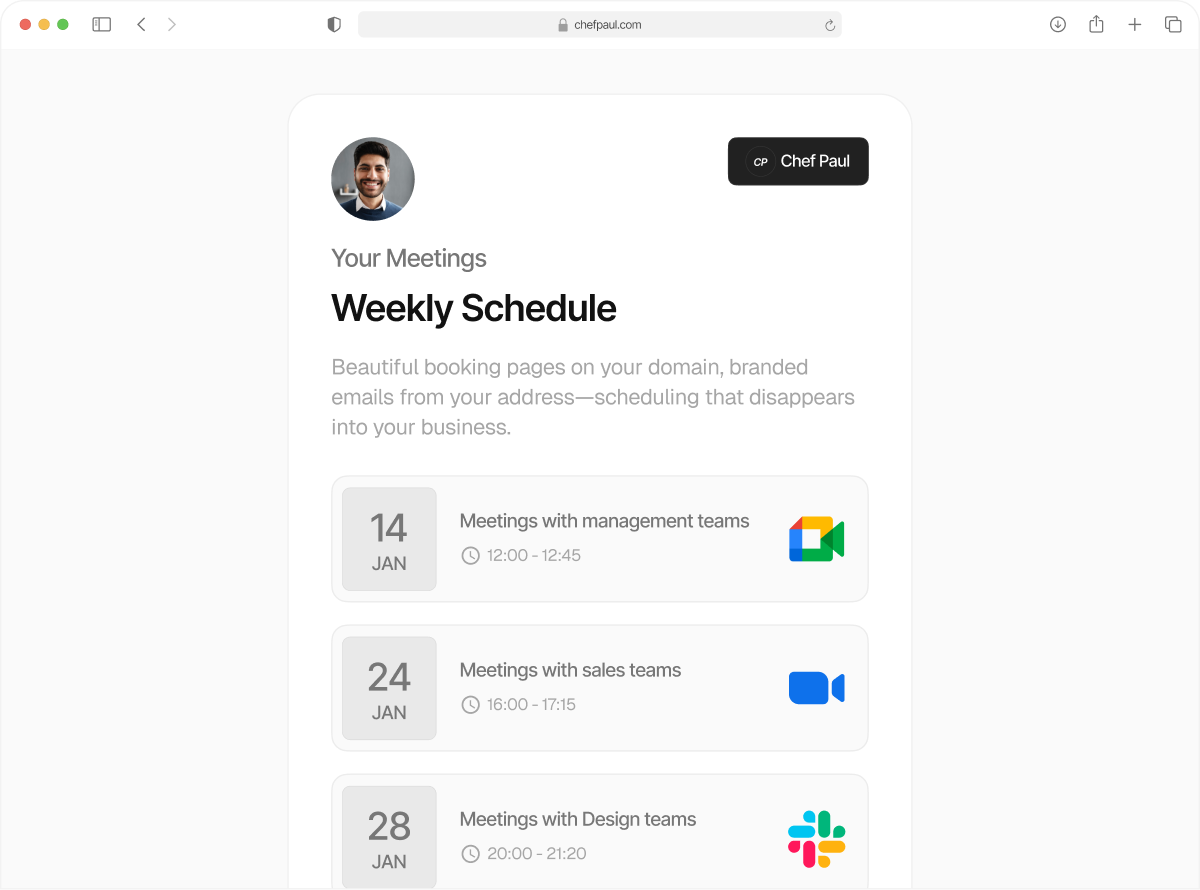
Fully Custom Branded Meeting Links
From Day One
Your clients land on a booking page that's got your brand front and centre with no third-party tool name drops.
Finally, what a booking page should look like.
Your current booking link might be stealing your thunder. We won't.
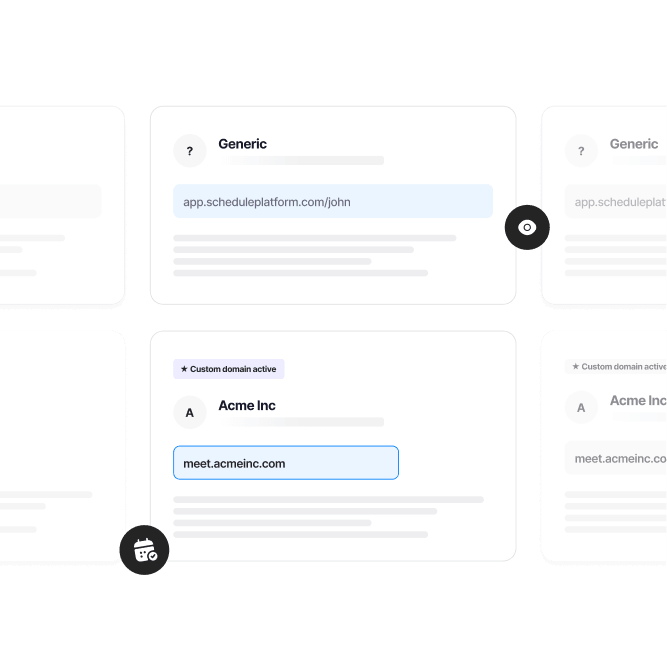
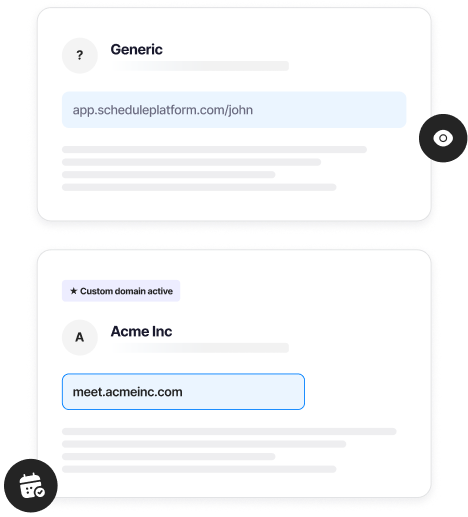
With schedule.so, your branded booking page publishes under your custom domain. Your clients want to book with you, and that's exactly who they'll see from start to finish. From booking link to email confirmation it's your domain. And it's not locked behind an enterprise plan, it's available on every plan.
So you can finally say goodbye to links that look like schedulingtool.com/yourname
How to get a custom branded booking page in minutes
No developers. No complicated setup. Just three steps and your white labelled booking page is live on your site.
Connect your domain
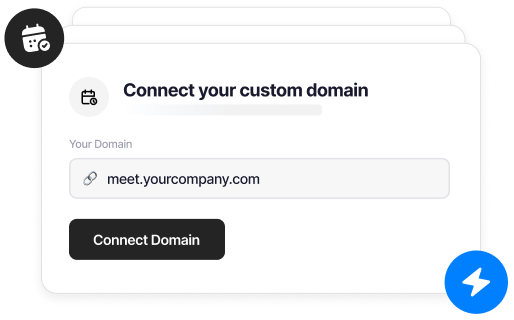
Go to Settings > Custom Domain. Enter your subdomain, like meetings.yourname.com or book.youragency.com. We give you a CNAME record to copy.
Update your DNS
Paste the CNAME record into your domain provider, Cloudflare, GoDaddy, Namecheap, wherever your DNS lives. Takes 30 seconds. We walk you through it step by step.
Your custom booking page is live
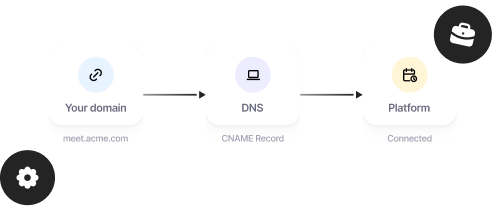
We verify the record and issue your SSL certificate automatically. Your booking page is live on your domain, fully branded, usually within minutes.
Everything that comes with your custom domain booking page

Free SSL
Every custom domain booking page comes with HTTPS enabled. No certificates to manage, no annual renewals, no extra fees.

Change your domain anytime
Go from bookings.yourname.com to bookings.yourcompany.com, and we'll just switch your links automatically to your new domain.
Use any subdomain
meetings., book., schedule. Pick a subdomain that fits your workflow. If it works for you, it works for us.

Seriously, fully white labelled
From booking page, to meeting links, to confirmation emails, everything has your brand name on it. schedule.so who?

Available on every plan
We're not gatekeeping this from anyone. Your custom domain booking page works on every plan, including free.

Fast on every device
Your booking page loads quickly across mobile, tablet, and desktop. We handle the performance.
Schedule.so vs Calendly for custom domain booking pages
| Feature | Schedule.so | Calendly |
|---|---|---|
| Custom domain support | Included on all plans, including free | Enterprise plan only ($$$) |
| Setup method | CNAME record based, 3 steps, no developer needed | Requires enterprise contract and setup process |
| SSL certificate | Auto-issued, free | Included but enterprise-gated |
| Booking emails domain | Your email via Custom SMTP | Sent from Calendly domain |
| Time to set up | Under 10 minutes | Requires enterprise onboarding |
Custom booking links make a difference for

Independent Coaches & Consultants
Your reputation is your brand. A custom domain booking page with branded booking links keeps your experience consistent from the first click.

Agencies & Creative Studios
Why not set an example for your clients? Show them what brand consistency looks like with your own white label meeting link experience.

Clinics & Healthcare Providers
Trust starts before the appointment when it comes to healthcare. A branded booking page on your own domain feels more safe and secure to a patient.
Sales Teams & Revenue Orgs
When someone books a call, they should land in your world. Using branded meeting links does the talking for you before you even start.
Frequently Asked Questions
Yes. You need a domain and access to your DNS settings to add a CNAME record. Don’t have one yet? You can use your default schedule.so/username link and add your custom domain booking page later.
Any standard DNS provider works, Cloudflare, GoDaddy, Namecheap, Google Domains, Route 53, and more. If you can add a CNAME record, your booking page custom domain will work.
Usually under 10 minutes. DNS propagation is typically instant with Cloudflare and just a few minutes with other providers. We automatically verify and issue SSL for your custom branded booking page.
We recommend a subdomain like meetings.yourdomain.com for full compatibility. Subdomains work universally, keeping your branded meeting links clean and professional. For root domain, reach out to support@schedule.so.
Nothing breaks. Your schedule.so/username links continue to work. Adding a custom domain booking page simply gives you another branded way to share your links, without any tool branding.
Switch to a custom booking link page now
Set up your custom domain booking page in minutes. Use your own domain, create branded booking links, and keep your scheduling fully under your name.