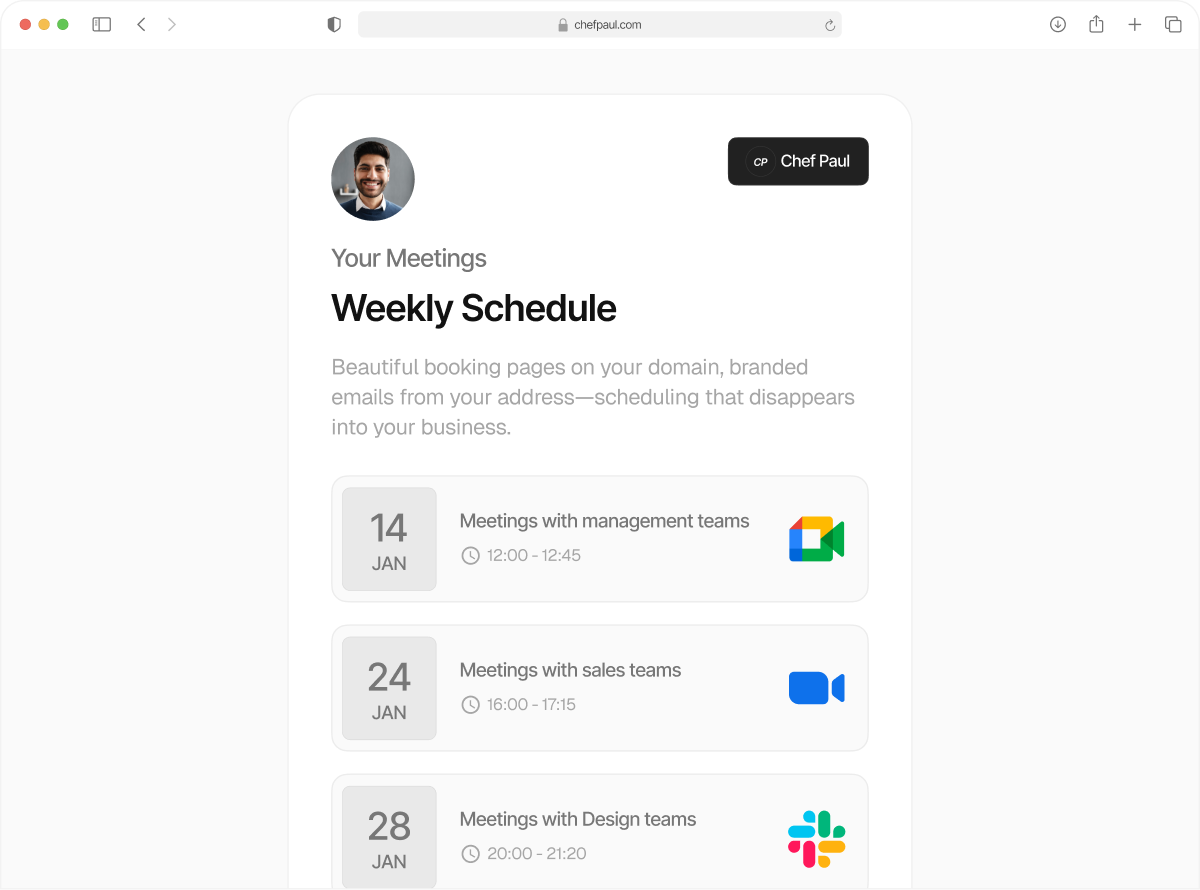
Find a time that works for everyone
Collective scheduling checks your team’s availability across time zones and calendar apps, showing only times when everyone is available.
Getting everyone on the same call shouldn’t take 10 emails
Different calendars, different time zones, and conflicting availability turn one meeting coordination into a long thread of messages. You check one person, then another. Someone drops off. The time changes. It starts again.
With collective scheduling, your team can connect their calendars from Outlook, Google, Teams, Apple, and more. schedule.so checks everyone’s availability making group scheduling a completely automated job.
Features that simplify and automate group scheduling

Works across calendar tools
Google Calendar, Outlook, and Apple Calendar all work together.

Real-time availability checks
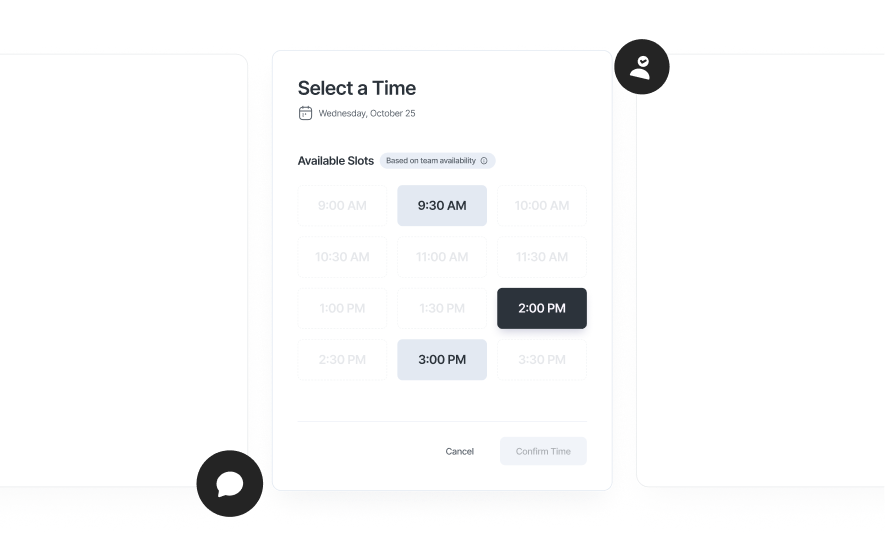
schedule.so checks availability across all calendar types in real-time. If even one person isn’t available, that time isn’t shown.

Find time across time zones
Team availability is checked across time zones automatically, showing only the times when everyone is free, so you can schedule meetings without any manual coordination.

Daylight saving handled automatically
Availability is normalised across time zones, so DST changes don’t break scheduling or create conflicts.

Flexible group size
Add as many required attendees as needed. The system finds the overlap, even as availability becomes tighter.
Set up collective scheduling in minutes
Create the event, add attendees, and let the booking page find the overlap.
Create a collective event
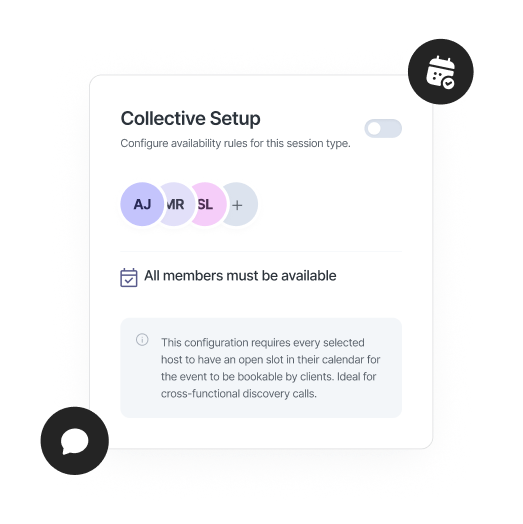
Create a new team event and select collective scheduling as the event type.
Add required attendees
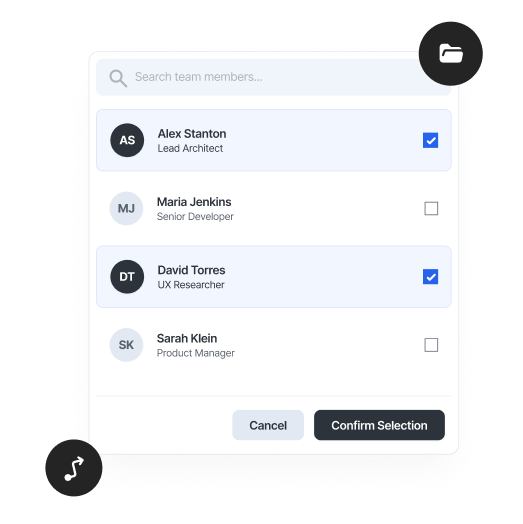
Add everyone who needs to be on the call. Each person connects their calendar for accurate team availability.
Booking page checks everyone
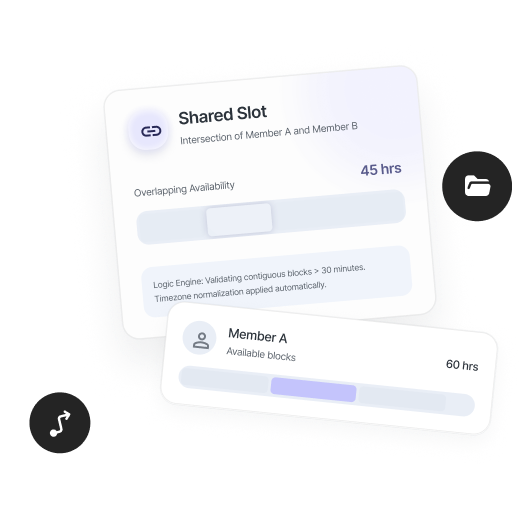
The booking page checks availability across all calendars and time zones, showing only the times when everyone is free.
One booking link confirms everyone
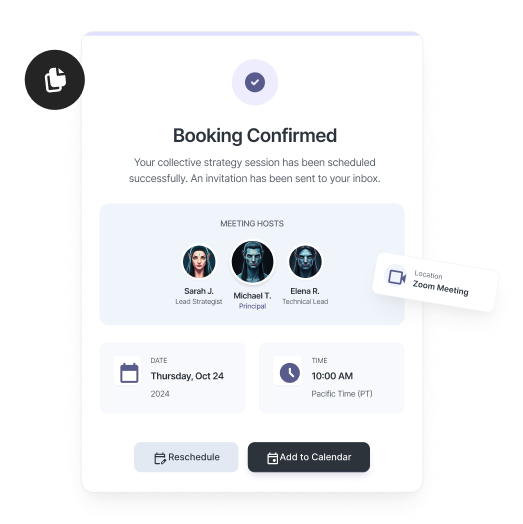
When a time is selected, calendar invites are sent to every attendee automatically.
Who makes the most of this feature?

Enterprise sales teams
Get your AE, solution engineer, and sales lead on the same demo. Collective scheduling finds a time that works across everyone.

Global teams
Work across time zones without doing the math. Find overlap across distributed teams automatically.

Multi-stakeholder meetings
When multiple people need to be present, automated collective scheduling ensures the meeting only happens when everyone is available.
Frequently Asked Questions
Collective scheduling is a group scheduling tool that finds a time when everyone in your team is available. It checks multi-person availability across calendars and shows only the time slots where the entire group is free.
Yes. This collective meeting software works across Google Calendar, Outlook, and Apple Calendar, checking team availability across all calendar tools at once.
Collective scheduling checks each participant’s availability in their own time zone and shows available slots in the booker’s local time. This makes scheduling meetings across time zones accurate and automatic.
If there is no overlap in multi-person availability, the group meeting scheduler will not show any available time slots. The meeting can only be booked when everyone is free.
You can include as many participants as needed. schedule.so’s team availability scheduling system checks availability across all required attendees, though more people means fewer overlapping time slots.
Yes. schedule.so is a group scheduling tool that checks availability in real time across all connected calendars, ensuring accurate scheduling with no outdated data.
Yes. Collective scheduling works alongside other scheduling types like round robin or fixed host, depending on how you want to assign meetings.
Finding time for everyone is now automatic
Set it once, and every group meeting finds a time for itself, with everyone there, no coordination required.