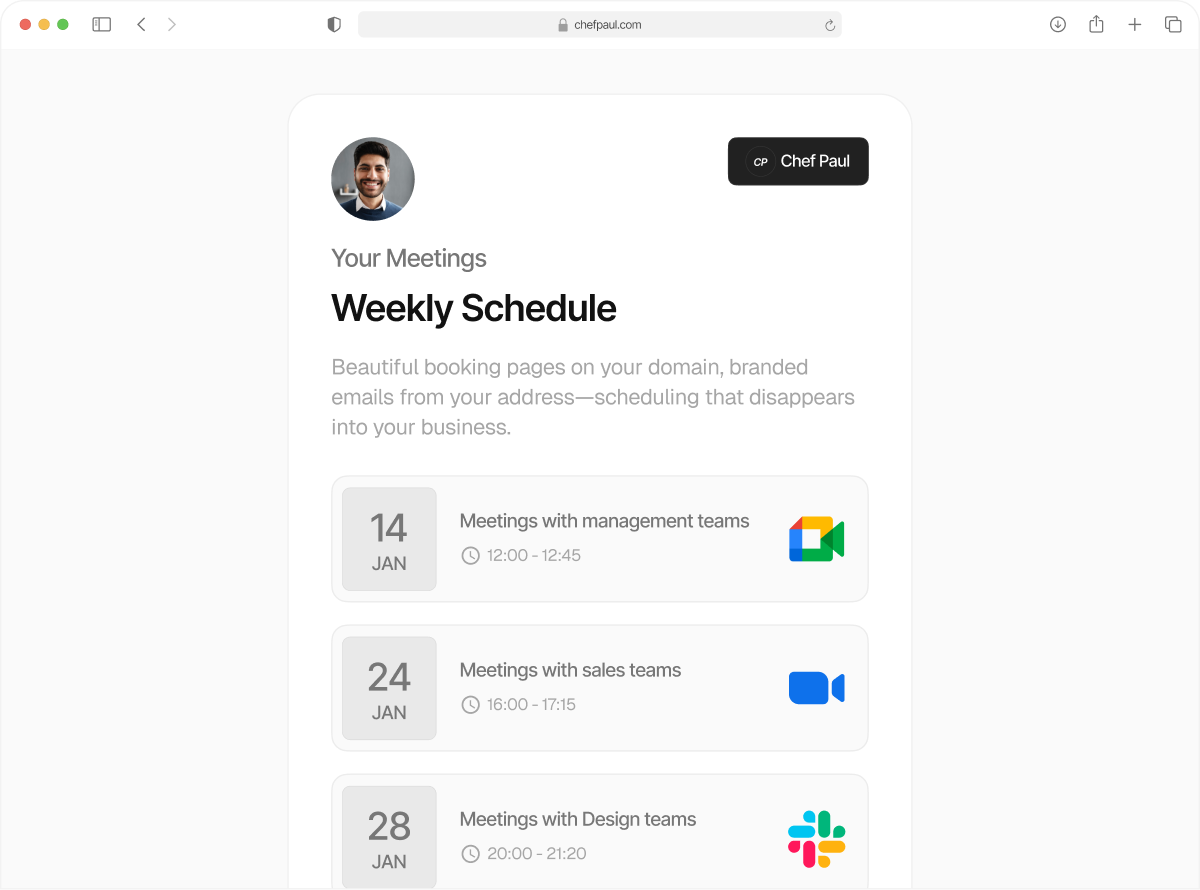
Meeting links for every meeting type
From Zoom, Google Meet, and Teams to phone calls and in-person appointments, handle every meeting type from one booking page.
Meet your clients, where they want to.
Some clients prefer Google Meet. Others ask for Zoom. Some just want a phone call, and some warrant in-person meetings. Most booking pages can’t keep up with that. They lock you into one meeting format, and you end up setting things up manually later.
schedule.so supports multiple meeting location types from one booking page. Clients can book time with you on your calendar using their preferred format, whether it’s video call scheduling or in-person appointment scheduling.
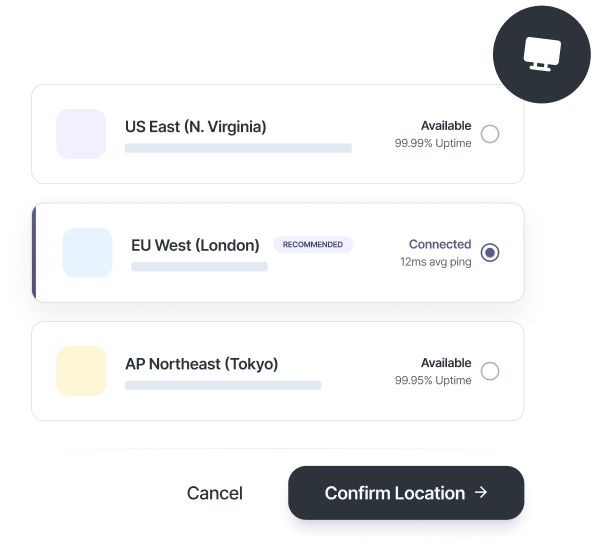
Six meeting location types. One booking page.

Google Meet
Automatically creates a Google Meet link and sends it to your client with your name and email ID.

Zoom
Creates a Zoom meeting link and sends it to your customer with your name and email ID.
Microsoft Teams
Generates a Teams meeting link for the booking and sends it to your client with your name and email ID.

Physical Location
Adds a Google Maps link and sends an in-person appointment scheduling link to their inbox.

Phone Call
Phone numbers are collected during booking, so the meeting starts without back-and-forth.
Custom Link
Use any URL as your meeting location and have it sent as an appointment confirmation link on email.
Set up meeting locations in just a few steps
No developers. No complicated setup. Just three steps and your white labelled booking page is live on your site.
Connect your tools
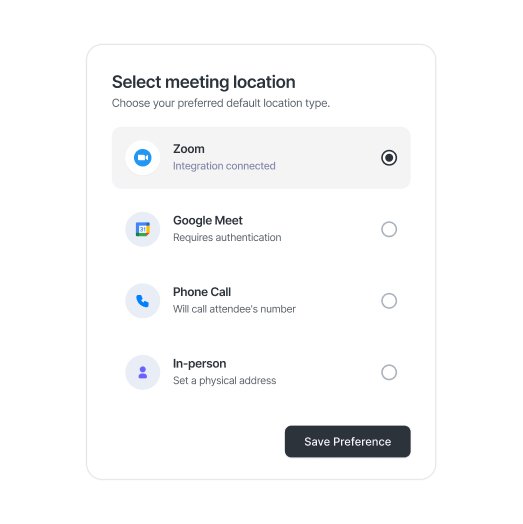
Connect Google Meet, Zoom, or Microsoft Teams, or add your phone number or address for in-person appointment scheduling.
Set your meeting location types
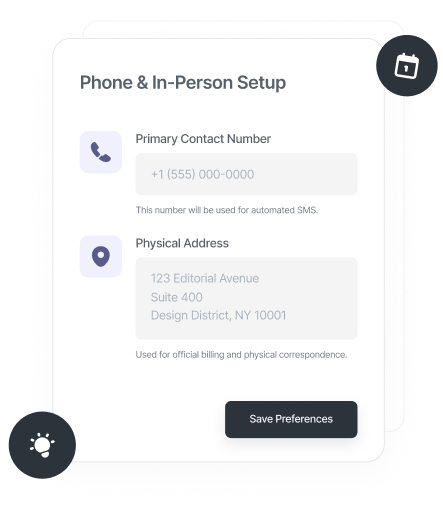
Choose from video calls, phone calls, in-person locations, or a custom link, depending on how you want to run each meeting type.
Booking page does the rest
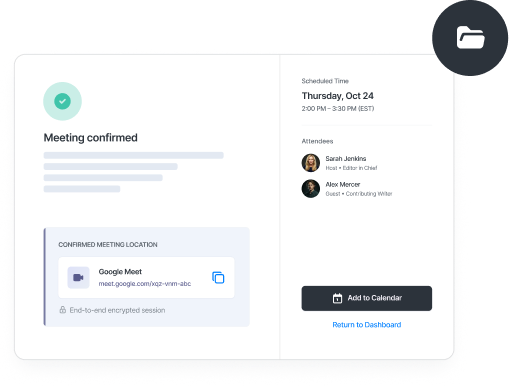
Each time someone books, they choose from the options and the meeting link, phone details, or physical address is sent automatically.
If convenience for your customers matters, this is built for you.

Clinics & Healthcare Providers
Set up appointment meeting types for in-person scheduling and video consultations for online meetings. Each booking shows the relevant options, so patients know exactly how and where to show up.

Studios & Service Businesses
You can set in-person appointment scheduling for classes and virtual bookings for consultations, all from one system.

Consultants & Coaches
Some sessions run on Zoom, others are quick calls or in-person meetings. Set the relevant one for each, so clients book the right format every time.

Sales Teams
Your clients may not all use Zoom, Google Meet, or Teams. Give them the options to choose, and set up demos, discovery calls, and follow-ups wherever they are comfortable.
Frequently Asked Questions
Yes. Once your Zoom account is connected, a unique meeting link is created for every booking automatically. This keeps video call scheduling consistent without any manual setup.
Yes. Each event type can use its own meeting location, so you can manage multiple meeting location types from one booking page. A consultation can run on Zoom while another meeting uses Google Meet or an in-person setup.
You select your address using Google Maps, and it is attached to the booking automatically. Clients see the exact location with a map link, making in-person appointment scheduling clear from the start.
Yes. You can add multiple addresses and assign them to different event types. This supports multi-location appointment booking for clinics, studios, and teams operating across sites.
Use the Custom Link option to add any URL as your meeting location. This works with any conferencing tool and expands your available meeting location types beyond the default options.
Customize meeting locations for any meeting type, starting now.
Set up all your meeting location types in one place, from video calls and phone calls to in-person appointment scheduling. Each booking shows the right format automatically, so nothing needs to be changed later.