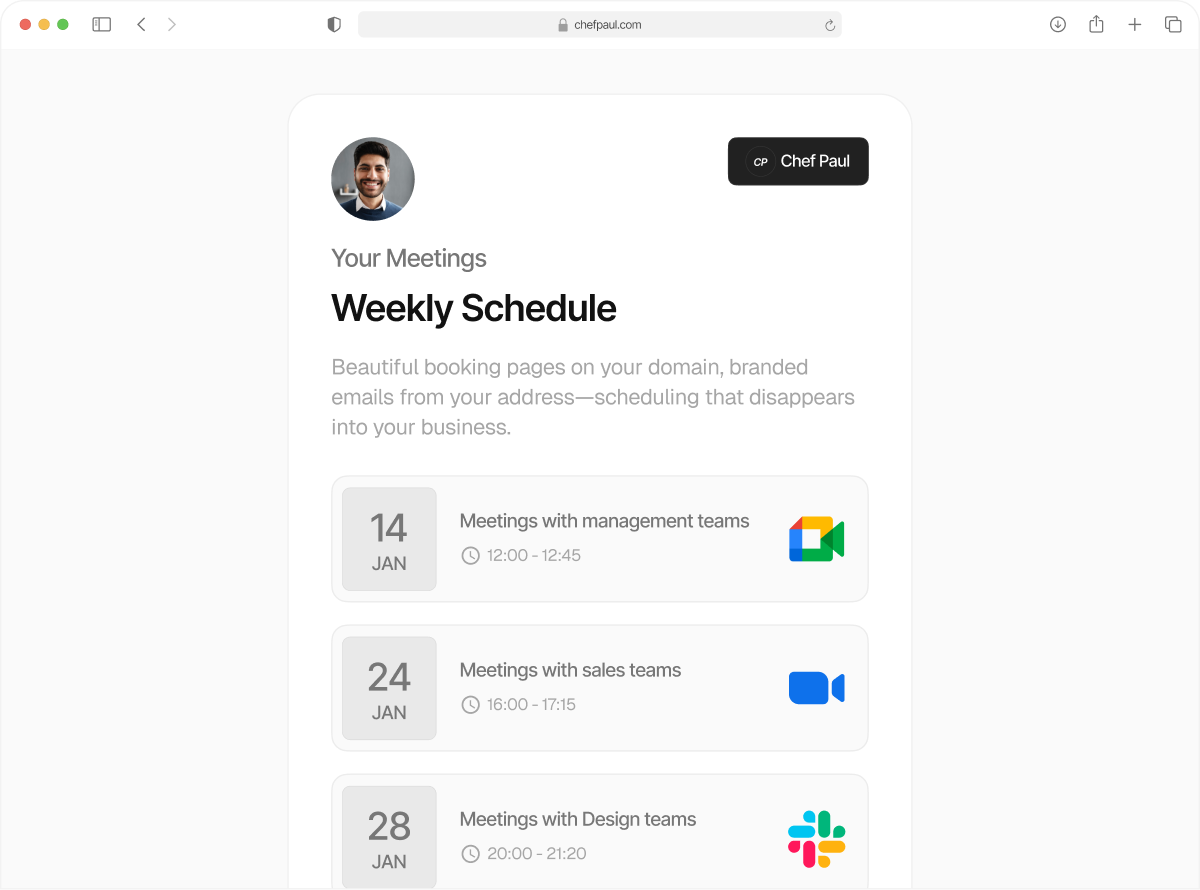
Send booking emails & reminders
from your domain
Every meeting email, confirmations, reminders, follow-ups, cancellations, go out from your address. Your clients see your name, your brand, and nothing else.
Drop the third wheel between you and your client
Why should a scheduling software come in the middle of this relationship? With schedule.so's custom SMTP scheduling software, every appointment email in your client's inbox comes straight from your address, 100% whitelabeled. Clients see you. The relationship stays familiar and your open rates skyrocket.
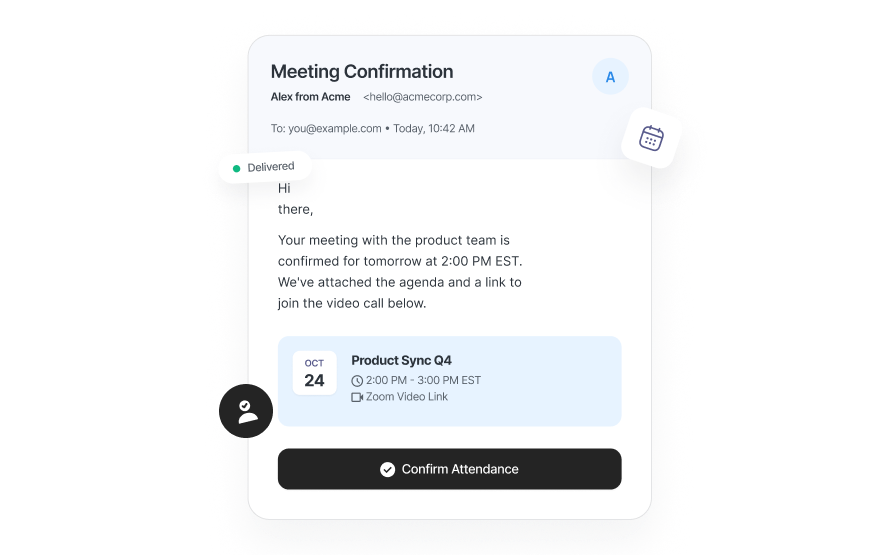
Set up custom SMTP scheduling in under 5 minutes
No developers. No complicated setup. Just three simple steps, and your white label booking emails are live.
Enter your SMTP credentials
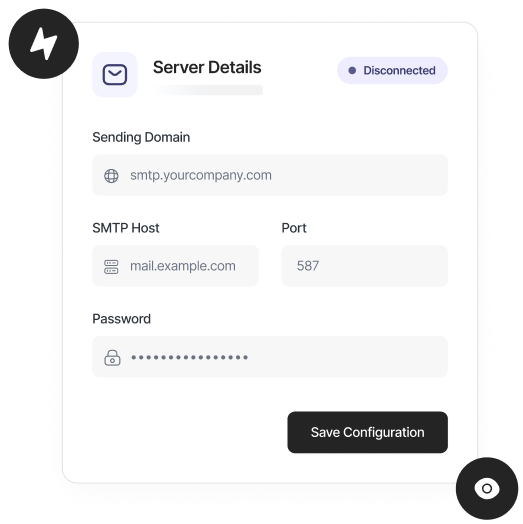
Go to Settings > Custom SMTP. Enter your SMTP host, port, username, and password. Works with Gmail, Outlook, SendGrid, Mailgun, Postmark, Zoho.
Send a test email
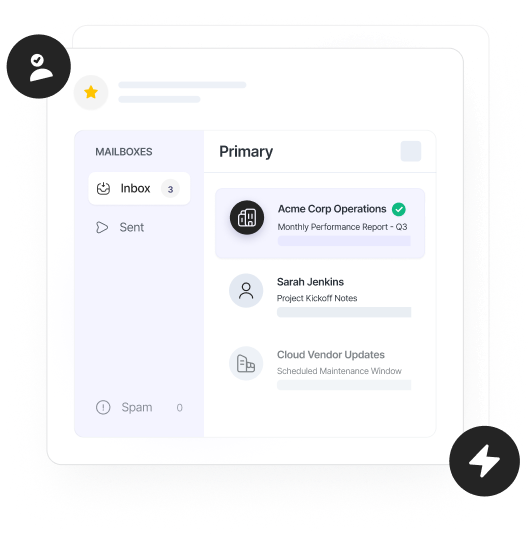
Hit "Test." We send a booking email through your SMTP connection so you can confirm everything looks right before it goes live.
Save and done
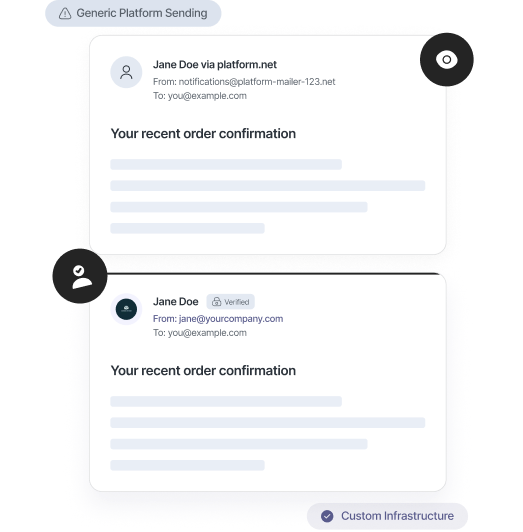
From now on, every booking confirmation, reminder, follow-up, and cancellation is sent from your email. We keep logs showing exactly what was delivered.
How your branding experience levels up with custom SMTP emails

Set your sender name
Customize the display name in the inbox, "Dr. Sarah Jones" or "Acme Sales Team." Your brand, your call.

Confirmations from your email
All new booking confirmations land in your client's inbox from your address. Fully white label booking emails, every time.

Reminders from your email
Pre-meeting reminders carry your name and brand. Clients see a familiar sender, higher open rates, fewer no-shows.

Follow-ups from your email
Post-meeting follow-ups in your workflow automation go straight from your domain. Your sales cycles stay tight.

Replies to your email
Since all notifications come from you, that means all client replies also come directly to you. You never have to switch inboxes.

Full delivery logs
You can see every email sent, when it was delivered, and to which address. Total visibility for your team.
schedule.so vs Calendly for booking emails
| Feature | schedule.so | Calendly |
|---|---|---|
| Booking confirmation sender | Your email address | noreply@calendly.com |
| Custom SMTP support | Starts from the lowest tier | Not available on standard plans |
| Sender display name | Fully customisable | Only for invitations, not notifications |
| Email delivery logs | Full log with timestamps | Activity log available |
| Client replies go to | Your inbox | To Calendly login email |
Emails carrying your name is a gamechanger for your clients

Independent Coaches & Consultants
Your clients trust you. Every booking confirmation, reminder, or follow-up comes from your email and creates a safe, professional space for them.

Agencies & Creative Studios
Lead the way with flawless branding for your own agency. White label booking emails make every client interaction feel polished.

Clinics & Healthcare Providers
Patient trust starts before the appointment. Every confirmation or reminder sent showing your name and domain signals security.

Sales Teams & Revenue Orgs
When your team is nurturing a relationship with a customer or client over email, your name, your brand, your email ID, is a must.
Frequently Asked Questions
Custom SMTP scheduling software lets you send all booking emails, confirmations, reminders, follow-ups, cancellations, from your own email address. Clients see your name, not a tool’s. Every email stays fully branded and secure.
Absolutely. Connect your SMTP credentials, and all white label booking emails go out from your email, Gmail, Outlook, SendGrid, Mailgun, Postmark, or any SMTP provider.
Nope. Custom SMTP scheduling software is available on all schedule.so plans. No hidden fees.
Using your own SMTP and proper email authentication (SPF, DKIM, DMARC) usually improves deliverability. Your clients receive branded booking confirmation emails safely in their inbox.
Yes. Every email sent through custom SMTP scheduling software is logged. You can check timestamps, recipient addresses, and delivery status from your settings.
Update them in settings. Future booking emails use the new credentials immediately. There is no disruption to your scheduled meetings.
Start sending booking emails from your email address
Set up custom SMTP scheduling software in minutes. Works with Gmail, Outlook, SendGrid, and any SMTP provider.