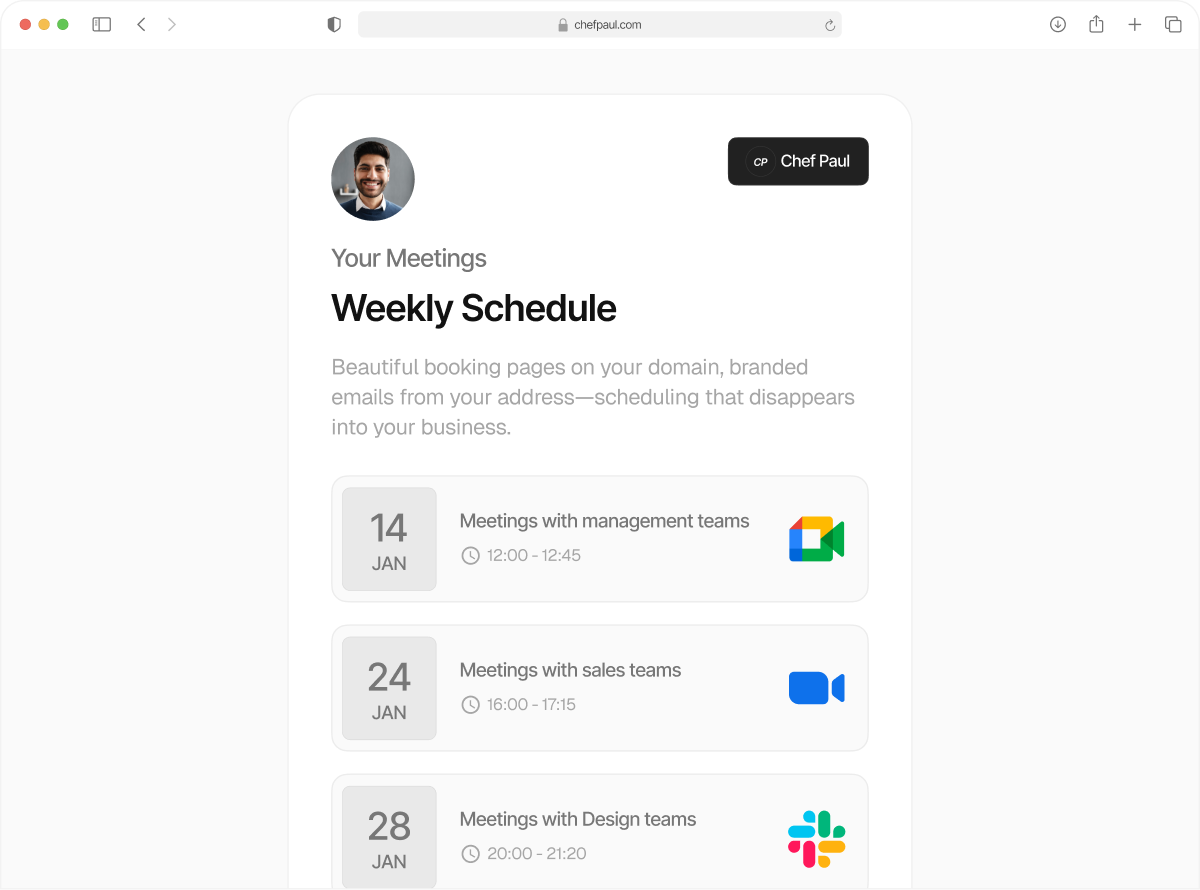
Always run meetings with the right people on
Fixed host scheduling checks availability for both your manager and a team member, and assigns the meeting automatically.
Stop playing match-the-following with every important call.
Some calls can’t happen without a manager, a senior rep, or a specialist. But there are multiple people who can join as the second participant. Coordinating who’s available, checking calendars, and assigning manually slows everything down.
Schedule.so’s fixed host scheduling + rotation scheduling checks both calendars and only shows times when the right combination is available. Every meeting is booked with the right people, without any manual coordination at all.
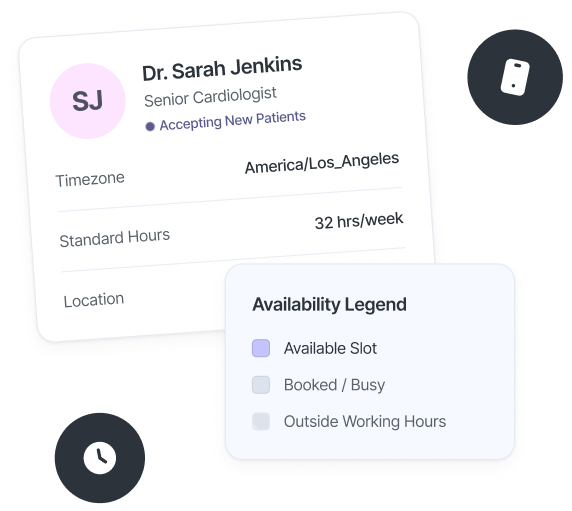
Fixed host scheduling features you didn’t know you needed

One required host on every call
Choose the person who must always attend. Every meeting is scheduled around their availability.

Automatic rotation for the second participant
Add your team as a rotation pool. One member is assigned automatically for each meeting.

Dual availability check
Meetings are only scheduled when both the fixed host and a team member are available.

Priority-based assignment
Set priority levels for your team. Senior members get assigned first when available.

Automatic fallback
If one team member isn’t available, the system assigns the next available person automatically.

One shared booking link
Use a single booking link. The system handles who joins the call every time.
Set up fixed host scheduling in minutes
Connect all your calendars just once, and never worry about being double-booked again.
Create a team event
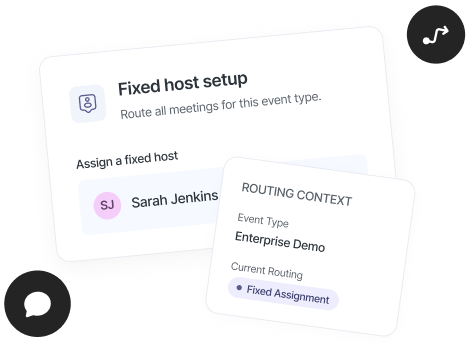
Create a new team event and select fixed host scheduling as the assignment type.
Choose the required host
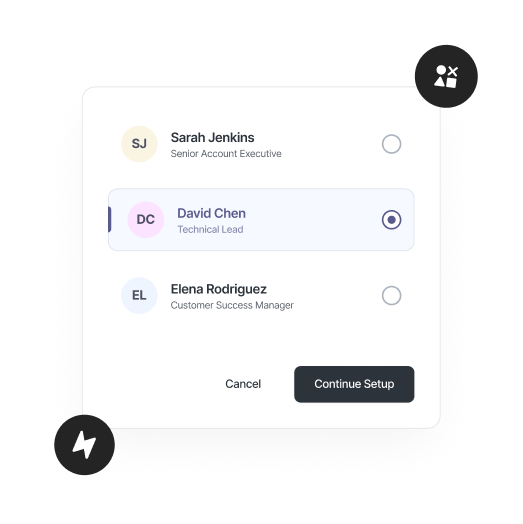
Select the person who must be on every call. Their availability determines which time slots are shown.
Add your rotation pool
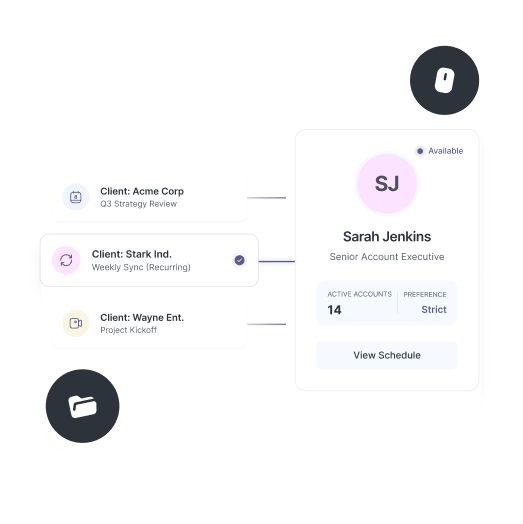
Add team members who join as the second participant. Set priority if you want certain members assigned first.
Go live
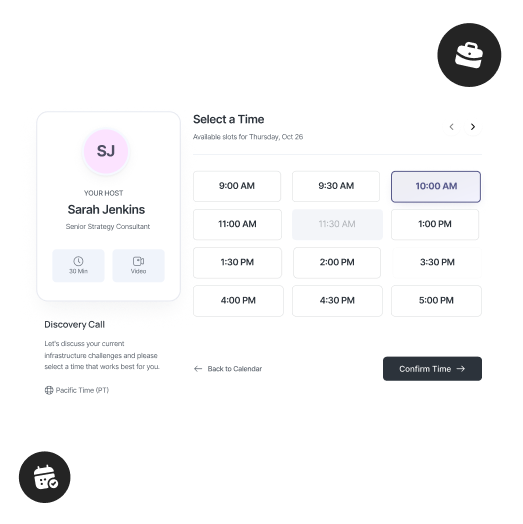
Publish your booking link. Meetings are scheduled only when both participants are available, one fixed, one assigned automatically.
Fixed Host vs Round Robin / Collective
| Feature | Fixed Host | Round Robin / Collective |
|---|---|---|
| Required attendee | ✓ One person is always on the call | ✗ Round robin has none · Collective requires everyone |
| Second participant | ✓ Assigned automatically from a rotation pool | Round robin: ✓ · Collective: ✗ |
| Priority routing | ✓ Set priority per team member | Round robin: ✓ · Collective: — |
| Best use case | Calls that require a specific person every time | General meeting distribution or full group meetings |
| Availability logic | Only shows slots when fixed host + one team member are free | Round robin: any available member · Collective: all members must be free |
Who can make the most of fixed + rotation scheduling?

Sales managers
Join every discovery call without coordinating with reps. schedule.so is perfect for sales call scheduling because it ensures you’re always on, with a rep assigned automatically.

Customer success leads
Be present on onboarding and key customer calls while your team rotates as the second participant.

Medical directors & specialists
Stay on required consultations while other practitioners are assigned automatically based on availability.

Team leads & supervisors
Maintain oversight on every call without managing who joins. One required host, one assigned automatically.
Frequently Asked Questions
Fixed host scheduling ensures one required person is always on the call, while the second participant is assigned automatically from your team based on availability.
If the fixed host isn’t available, that time slot won’t appear on the booking page. Meetings are only scheduled when the required host is free.
The second participant is assigned automatically from your team based on availability. You can also set priority to control who gets assigned first.
Yes. You can assign priority levels to team members, so higher-priority participants are selected first when available.
Yes. The system checks availability for both the fixed host and the assigned team member before confirming a meeting.
Fixed host scheduling is how teams run important calls now
One person is always on. The second is assigned automatically. Stay ahead of manual scheduling.