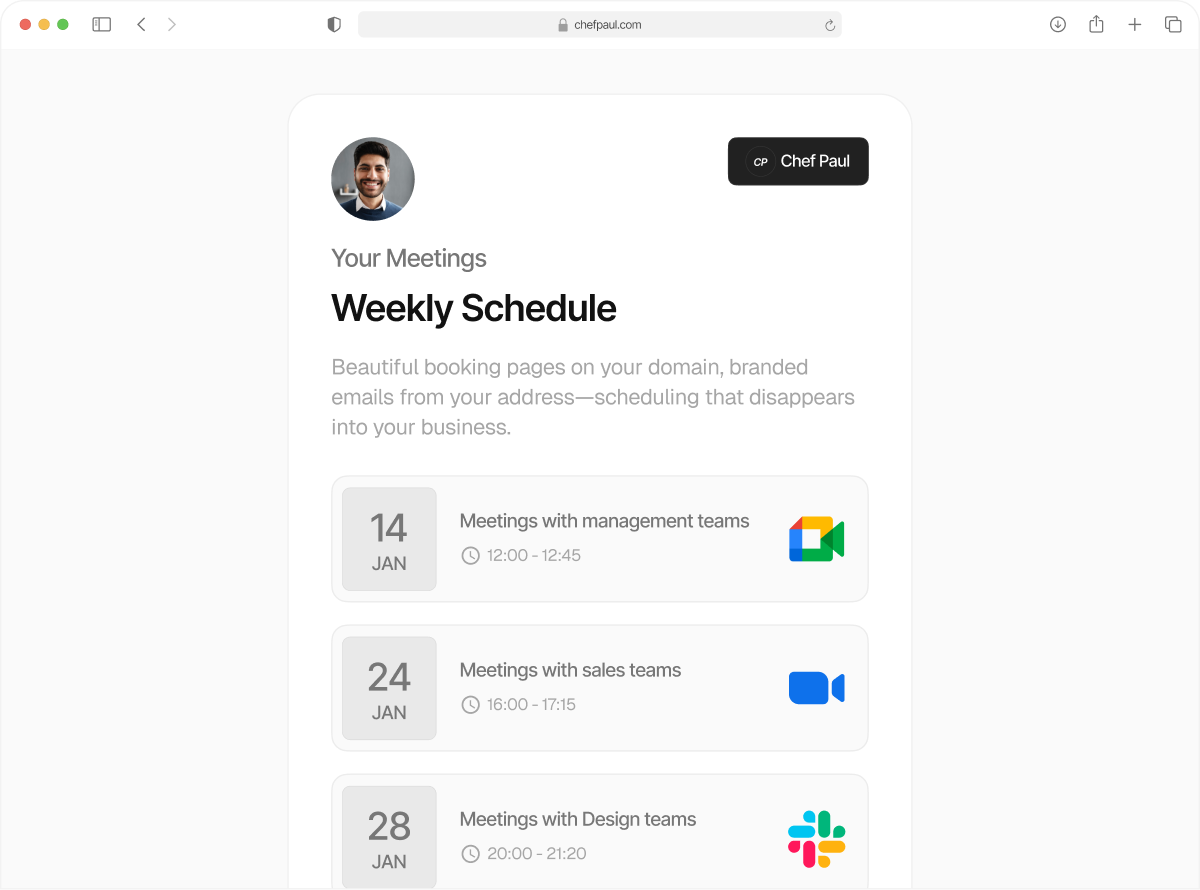
Never get double booked again
Google, Apple, Outlook, sync multiple calendars in real time, and only get booked when you’re actually available.
Calendar sync doesn’t get more real-time than this
Your team runs on Google Calendar. Some clients send invites from Outlook. Your personal schedule lives on Apple Calendar. None of them sync with each other by default.
That is the perfect setting for an awkward double booking, and we all hate rescheduling meetings. schedule.so checks all your connected calendars before showing availability. Anything already booked stays blocked.
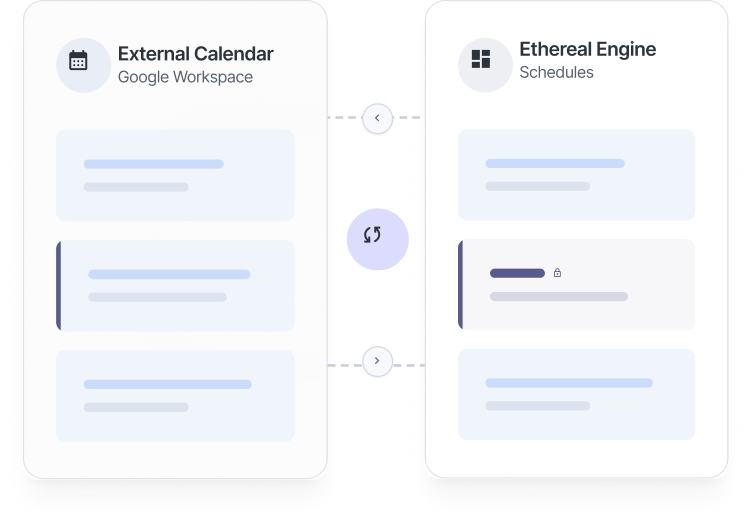
Everything you get with multi-calendar sync

Connect Google, Outlook, and Apple
Connect Google, Outlook, and Apple calendars to your schedule.so account for a real-time synced booking calendar.

Real-time conflict detection
Availability is checked the moment someone opens your booking page and it ensures double booking prevention by syncing everything simultaneously.

Per-event calendar selection
Choose which calendars to check for each event type. Control how double booking prevention works for different meetings.

Choose where bookings are added
New bookings can be added to any connected calendar. Your calendars stay in sync automatically.
How to set up multi-calendar sync in just a few steps
Connect all your calendars just once, and never worry about being double-booked again.
Connect your calendars
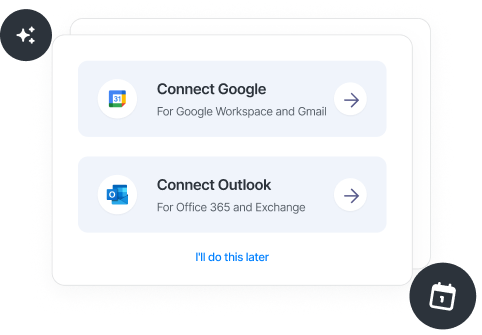
Connect Google, Outlook, or Apple from Settings. Each account is added securely with permission-based access.
Choose which calendars to check
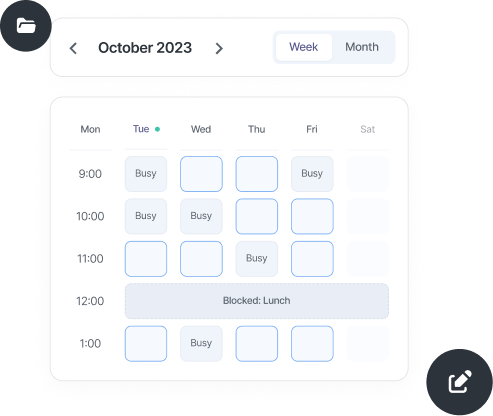
Select which calendars each event looks at. Check all of them, or only the ones that matter.
Your booking page is synced
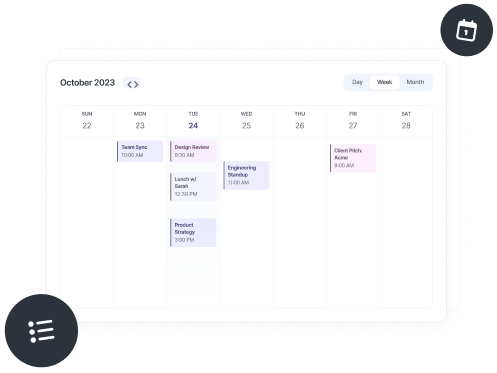
Now, every time your booking page loads, all selected calendars are checked for availability before showing open slots.
schedule.so vs Calendly for calendar sync
| Feature | schedule.so | Calendly |
|---|---|---|
| Calendars supported | Google, Outlook, Apple, native | Google, Outlook (paid plans) |
| Simultaneous conflict check | All connected calendars at once. Available for free plans also | Only on paid plans |
| Per-event calendar selection | Yes, in advanced settings | Limited |
| Real-time availability | ||
| Cost | Included on all plans | Some features paid only |
| Number of calendars connected | Unlimited | 1 for free user, 6 only for paid users |
If you manage more than one calendar, this is for you.

Founders & Operators
Internal meetings, investor calls, and personal schedules are usually split across tools. Multi-calendar scheduling keeps availability accurate across all of them.

Freelancers
By connecting multiple calendars, you prevent double booking client calls, side projects, and personal time.
Global Sales Teams
Demos, internal syncs, and personal calendars all run in parallel. schedule.so checks every connected calendar before showing availability.
Frequently Asked Questions
Yes. Multiple Google accounts can be connected, and you can choose which calendars within each account are included in conflict checking for double booking prevention.
schedule.so checks your calendar to see whether a time slot is free or busy and adds new bookings to your selected calendar. It does not read event details or content.
Every booking page load triggers a real-time check across all connected calendars. Any new event is immediately included, so conflicts never appear as available slots.
Yes. Each event type can be assigned to a specific calendar, so new bookings are added exactly where you want them.
Yes. Recurring events are treated as busy slots during conflict checking, so those times are automatically excluded from availability.
Stop apologizing for double booking,
and get ahead of it.
Connect your Google, Apple, and Outlook calendars and update booking availability across all of them.