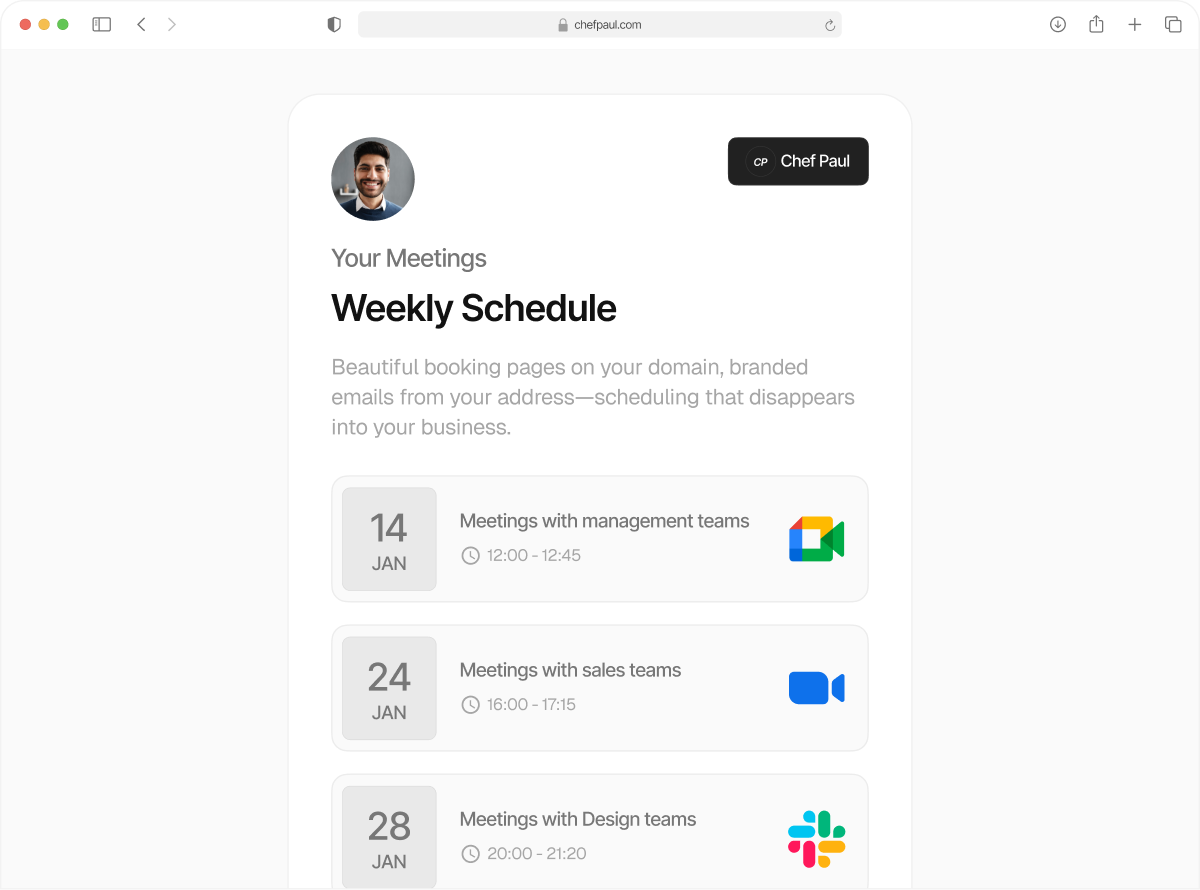
Every booking instantly updates your other tools.
A new booking sends data to your CRM. A cancellation notifies your team. A reschedule updates your database. Booking webhooks send real-time events to any endpoint, with custom headers and payloads. No Zapier required.
The real work(flow) starts after the meeting is booked
With booking webhooks, every booking triggers an update within your ecosystem. Booking webhooks send data instantly to your CRM, your Slack, or your internal tools, in the form of a structured JSON payload sent to your endpoint. The whole team stays in sync and is ready to take action, without any manual back-and-forth.
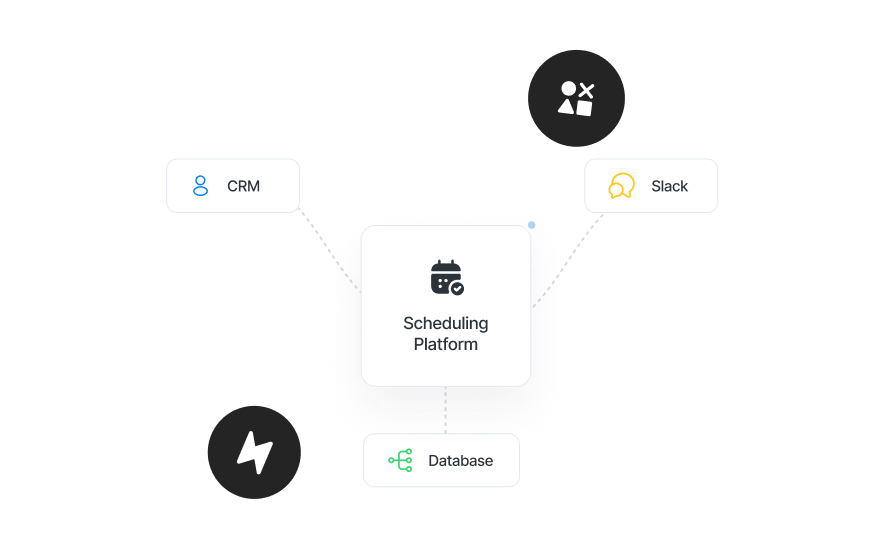
Set up a booking webhook in under 2 minutes
No middleware. No Zapier. Just connect your endpoint and start receiving events instantly.
Connect your endpoint
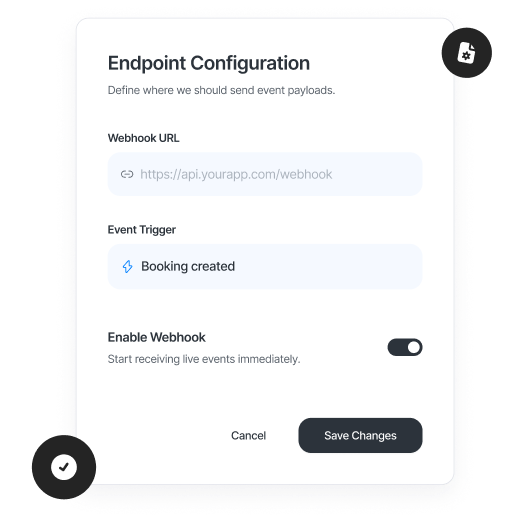
Drop in your API URL, CRM webhook, or serverless function. Choose GET or POST.
Pick what should trigger it
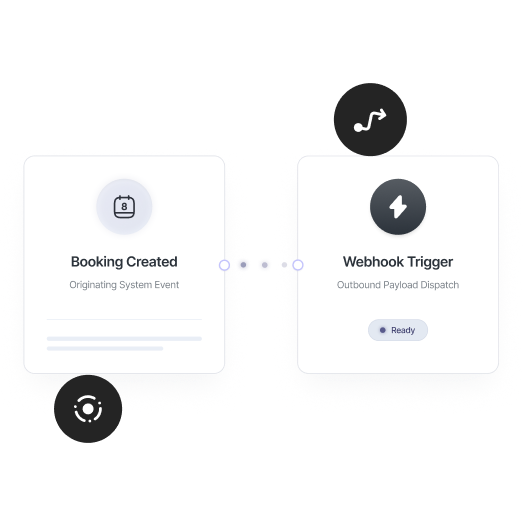
New bookings, reschedules, cancellations, choose the events that matter to your workflow.
Add auth and payload details
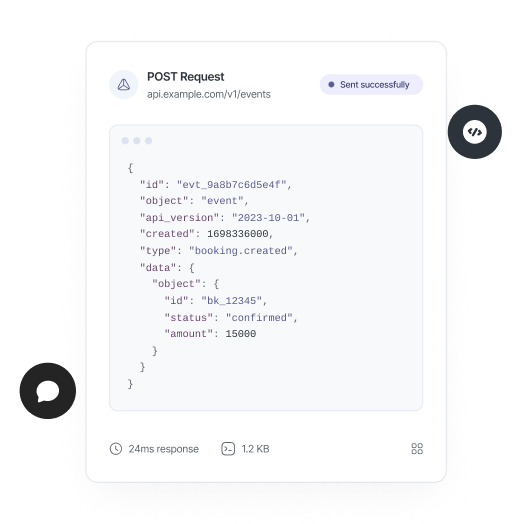
Include headers, tokens, or custom data your endpoint expects.
Go live instantly
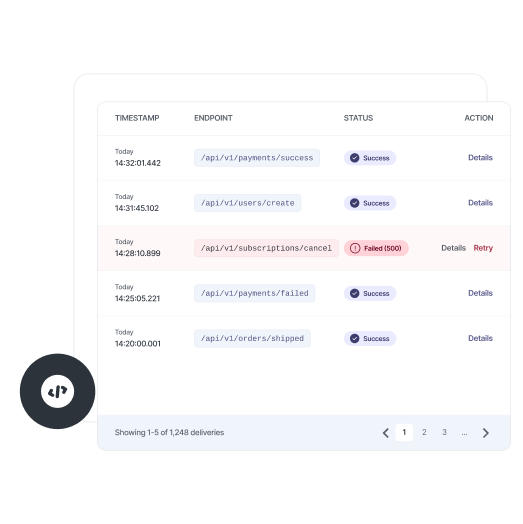
Save, and every matching event starts hitting your endpoint in real time.
Three events. Full control over every webhook.

booking.created
Fires instantly when a new booking is confirmed. Create a CRM contact, trigger a Slack alert, or start any downstream workflow.
booking.rescheduled
Fires when a booking is moved. Update your CRM, notify your team, or log the change automatically.

booking.cancelled
Fires when a booking is cancelled. Update deal stages, remove from sequences, or trigger a follow-up flow.
Any endpoint, GET or POST
Send webhook events to any endpoint. Your API, a third-party service, or a serverless function, GET or POST.

Custom request headers
Add authentication, API keys, or custom headers. Full control over how your webhook integration is secured.

Custom request body
Send structured data with every webhook. Add metadata, routing keys, or any additional context your system needs.
schedule.so Webhooks vs Zapier
| Feature | schedule.so Webhooks | Zapier |
|---|---|---|
| Setup | Paste your endpoint and select triggers | Build and maintain multi-step Zaps |
| Latency | Instant — booking webhook fires directly | Delayed — runs through a middleman (1–5s) |
| Cost | Included with your scheduling API integration | Requires a separate Zapier subscription |
| Custom headers | Full control over headers and auth | Limited by Zap structure |
| Delivery logs | View deliveries and retry failed webhook events | Zap history (limited on lower plans) |
Get off the hook from manual workflows

Developers
Use schedule.so webhooks as part of your scheduling API integration. Trigger workflows, sync booking data, and connect schedule.so directly to your backend systems.

RevOps & marketing ops teams
Connect webhooks to your CRM automatically. Booking webhook events create contacts, update deal stages, and trigger campaigns without manual work.
Technical ops teams
Use schedule.so’s booking webhook integration to automate internal workflows. Send booking data to Slack, databases, or internal tools in real time.

Teams replacing Zapier workflows
Replace Zapier with direct scheduling webhook API calls from schedule.so. Faster execution, lower cost, and full control over your booking automation.
Frequently Asked Questions
A booking webhook sends real-time data when a booking is created, rescheduled, or cancelled. It’s part of a scheduling API integration that lets you trigger workflows and connect scheduling to your CRM or internal systems instantly.
When a booking event happens, schedule.so sends a request (GET or POST) to your configured endpoint. This scheduling webhook API delivers structured data your systems can act on immediately.
Yes. Booking webhook integration lets you connect scheduling to your CRM automatically. Create contacts, update deal stages, or trigger workflows without manual data entry.
Each webhook for appointment booking sends structured JSON data, including booking details, attendee info, event type, and meeting time. You can also extend the payload with custom fields.
Yes. schedule.so webhooks are designed for scheduling API integration, allowing you to send booking data to any endpoint and build custom automation workflows around booking events.
Yes. You can create multiple booking webhook integrations for the same event. Each webhook will fire independently when the event occurs.
schedule.so retries failed webhook deliveries. You can monitor delivery status and debug issues using the webhook logs in your dashboard.
Leads are created. Teams are notified. Workflows start instantly.
No more manual updates, no copying data between tools. Booking webhooks trigger your CRM, notify your team, and kick off workflows the moment a booking happens