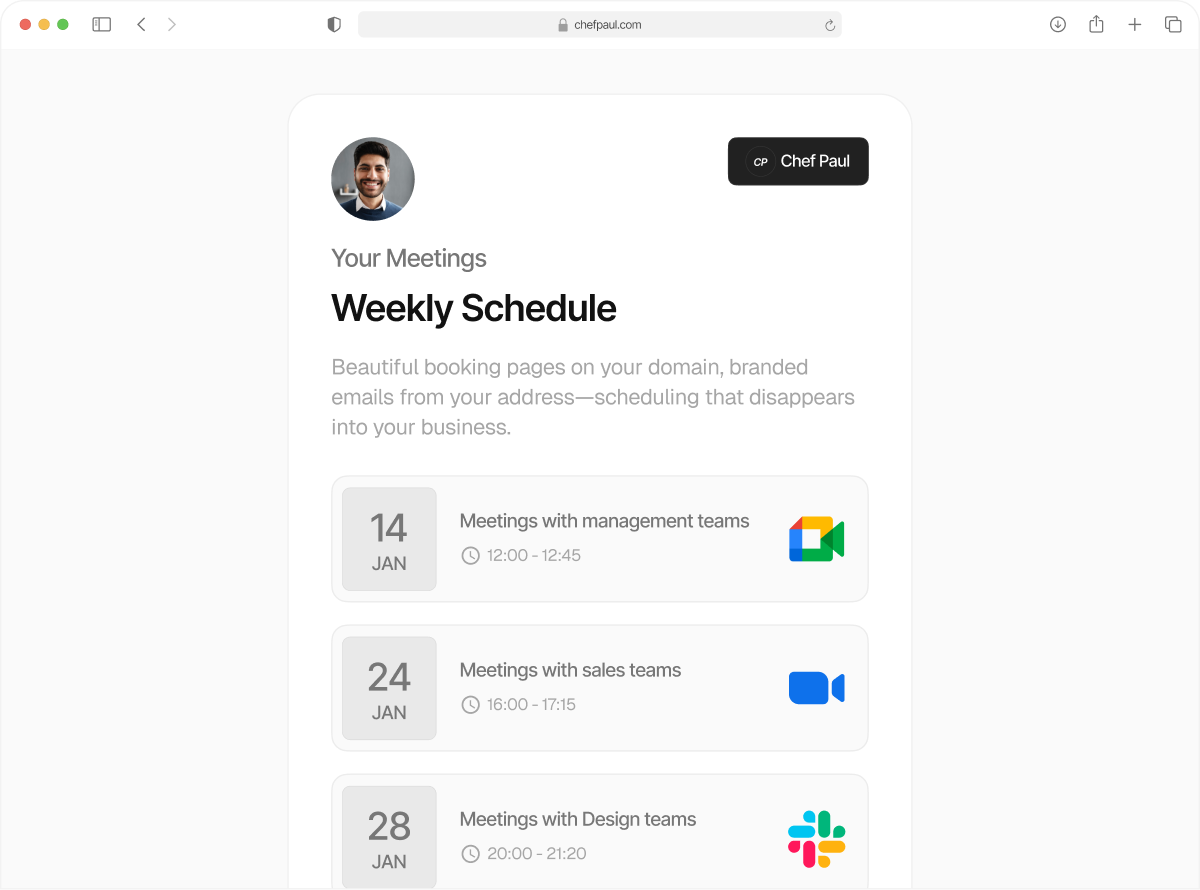
Take back control of your time
with booking limits
Manage your pace better with smart booking limits, from daily caps, meeting buffers, to time budgets.
Boundaries are good for you.
When there are no boundaries, meetings stack up, people book at the last minute, and your day just disappears.
Now you can set a default 20-minute meeting buffer time. Add a 24-hour minimum notice before new meetings. Cap your day at 5 meetings. schedule.so enforces all your time budget rules automatically, which means your calendar is always marching to your beat, without your constant supervision.
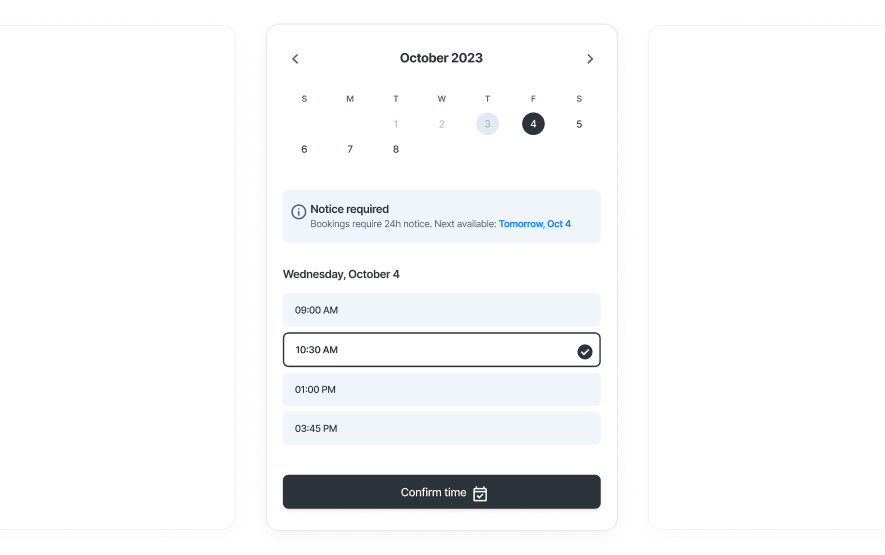
Set up calendar booking rules in 3 steps.
Add your limits, save your settings, and your calendar enforces them automatically.
Open your event settings
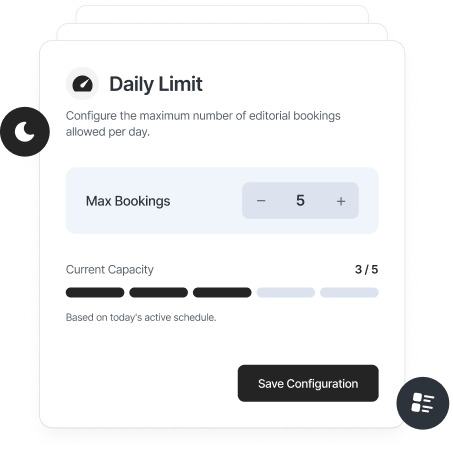
Go to any event type and open the limits section. This is where you define how your time is protected.
Set your rules
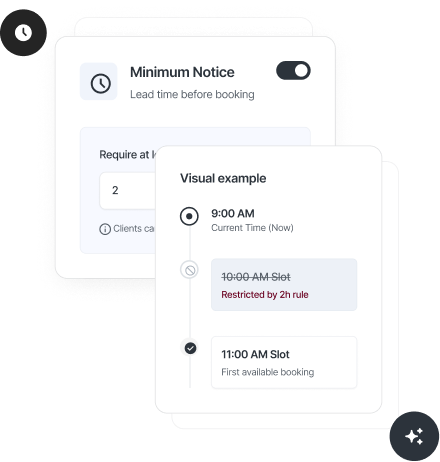
Select your preferred meeting buffer time, minimum notice booking, daily caps, or a time budget.
Save and you’re done
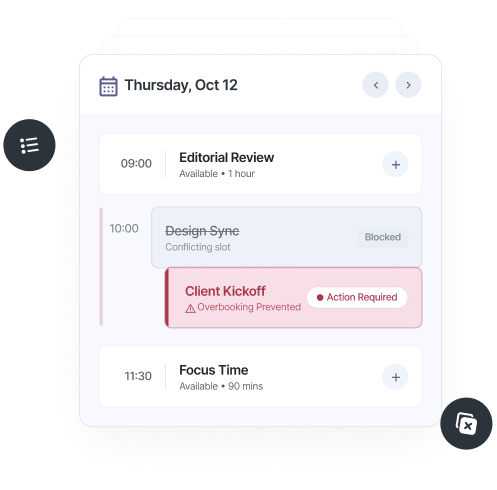
Once a limit is hit, those time slots are no longer available for booking.
5 booking limits you never knew you needed

Buffer time
Set a 10-15 minute meeting buffer time and your calendar blocks those slots. No more back-to-back calls with zero space to think.

Minimum notice
Set how far in advance someone can book you, hours or days. A minimum notice booking of 24 hours means no same-day chaos.

Booking frequency cap
Set a maximum number of meetings per day, week, or month. Four per day. Fifteen per week. Once the limit is hit, your calendar closes itself.

Time budget
Instead of counting meetings, limit total time spent in them. Two hours per day. Eight per week. Your time budget scheduling ensures longer sessions don't take over your life.

Future booking window
Decide how far into the future people can schedule, 30 days, 60 days. A future booking window prevents long-term overcommitment.
If you’re drowning in meetings, this is for you.

Coaches & Consultants
Limit how many sessions you take per day, add buffer time between calls, and require advance notice.

Founders & Operators
Cap your total meeting time each day or week and protect space for deep work.

Freelancers
Set clear limits on how often clients can book you, and avoid last-minute requests with minimum notice booking.

Sales Teams
Control how many demos happen per day and add buffer time between calls. Keep your team performing at a consistent pace without burnout.

Service Professionals
Set limits per session type, add preparation time, and control how far ahead clients can book with a future booking window.
Frequently Asked Questions
A booking cap limits how many meetings happen, for example 5 per day. A time budget limits how much time you spend in meetings, for example 240 minutes per day. A 2-hour meeting counts as one booking, but uses up more of your time budget.
Limits are set per event type. Your 30-minute intro call can have different limits than your 2-hour paid session.
That time period becomes unavailable. Your booking page simply stops showing open slots, no manual blocking needed.
Yes. Set a minimum notice booking in minutes, hours, or days, so people can only book within your preferred timeframe.
Yes. Add meeting buffer time before or after each meeting, and your calendar blocks that time automatically.
You can control this with a future booking window, for example, only allow bookings in the next 30 or 60 days.
Set a booking calendar that respects your time
Use our booking limits scheduling to control how many meetings happen, when they happen, and how far ahead people can book.