Auto assign meetings
across your team fairly
Round robin scheduling distributes meetings across your team, as soon as a meeting comes in.
Are you actually using your team’s availability effectively?
When meetings come in, managers have to decide who gets it. When done manually some reps get overloaded. Others sit idle. Distribution tends to depend on who responds first.
Now you can assign meetings automatically. Round robin scheduling distributes meetings fairly across your team, checking availability on everyone’s calendar before assigning. You can also add priority routing to give senior reps first access on schedule.so. Every meeting assigned instantly with zero manual coordination.
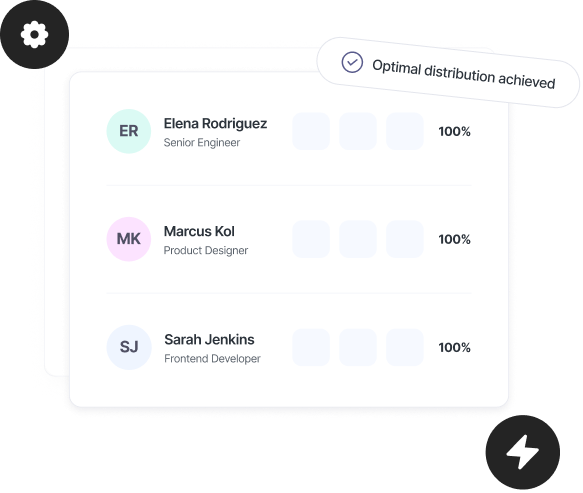
Round robin scheduling that handles meeting distribution for you

Automatic meeting assignment
Every booking is assigned instantly based on availability. No manual routing or team coordination.

Equal distribution across your team
Round robin scheduling ensures meetings are distributed fairly, so no one is overloaded or left idle.

Priority routing
Set priority levels for each team member. Higher-priority reps get first access to meetings when available.

Real-time calendar checks
Every assignment checks each team member’s calendar before confirming. No conflicts, no double bookings.

Smart fallback logic
If someone isn’t available, the system moves to the next person automatically. Meetings never get stuck.

One shared booking link
Use a single booking link for your team. Clients book once, the system handles meeting distribution.
Set up round robin scheduling in minutes
All your team calendars are connected and in sync. Inbound meetings are assigned automatically from there.
Create a team event
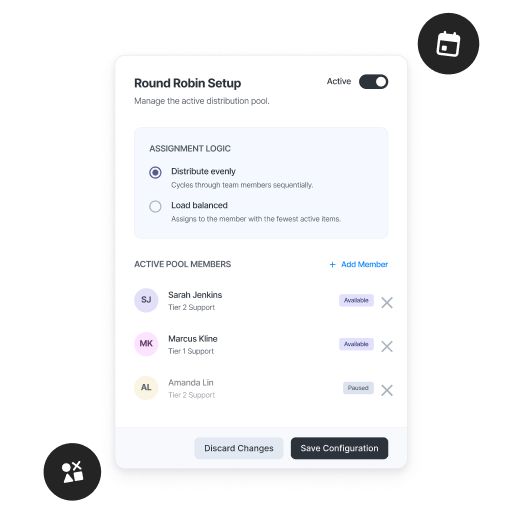
Create a new team event and select round robin scheduling as the assignment method.
Add your team members
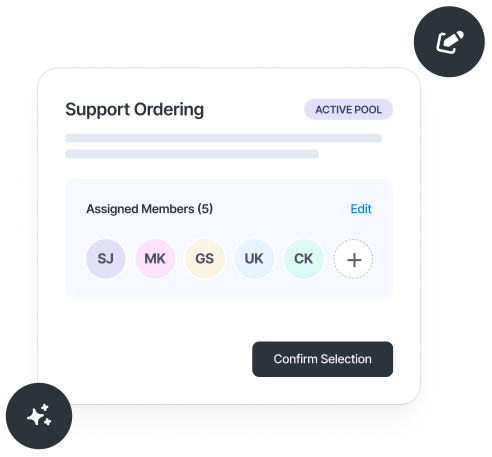
Select the team members who should receive meetings. Each member connects their calendar for accurate scheduling.
Set priority levels (optional)
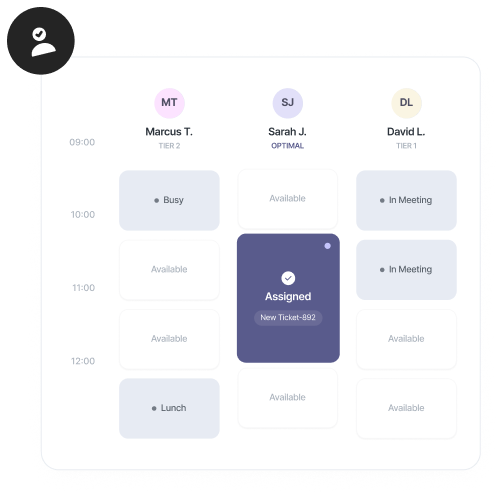
Assign priority levels to control who gets meetings first. Or keep it equal for pure round robin distribution.
Go live
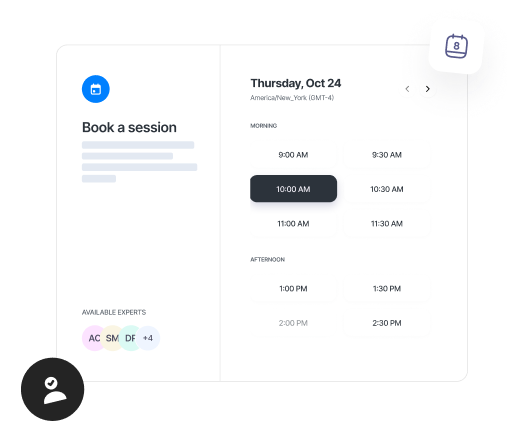
Publish your booking link. Every meeting is automatically assigned to the next available team member.
schedule.so vs manual assignment
| Feature | schedule.so | Manual Assignment |
|---|---|---|
| Meeting assignment | Automatic based on availability + priority | Manual — someone has to decide and notify |
| Response time | Instant — client gets confirmation immediately | Delayed — depends on who is checking the queue |
| Load balancing | Equal distribution with priority weighting | Uneven — loudest or most senior grabs first |
| Calendar conflicts | Automatically avoided | Human error — double bookings possible |
| Priority routing | Built in — set per team member | Not possible |
Team scheduling automation for managers who run inbound meetings

Sales teams
Distribute inbound demos across reps automatically. Round robin scheduling ensures fair assignment, with priority routing for senior reps.

Operations teams
Control how meetings are assigned across the team. Set rules, manage distribution, and remove manual routing from the process.

Customer success teams
Assign onboarding calls, check-ins, and support meetings without manual coordination. Every meeting goes to the right person based on availability.

Revenue teams
Keep meeting distribution balanced across sales, success, and support. No one overloaded, no opportunities missed.
Frequently Asked Questions
Round robin scheduling distributes meetings across a team in rotation. Each new booking is assigned to the next available team member. It’s commonly used for fair meeting distribution across sales and support teams.
When a meeting is booked, the system checks each team member’s availability and assigns it automatically. If someone isn’t available, it moves to the next person in the rotation.
Priority routing adds a hierarchy to round robin scheduling. You set priority levels for each team member, and meetings are assigned starting from the highest priority person who is available.
Yes. Before assigning a meeting, the system checks each team member’s connected calendar to avoid conflicts and double bookings.
If no team member is available at a selected time, that slot isn’t shown on the booking page. The person booking must choose another available time.
Yes. Round robin scheduling is set per event type. You can use it for inbound meetings while keeping other events assigned differently.
Yes. You can choose equal distribution or use priority routing to control how meetings are assigned across your team.
Automate how meetings are distributed across your team
Control how meetings are assigned, who gets them, in what order, and based on availability. Round robin scheduling distributes meetings automatically, with priority routing when needed.