Account & Bookings
Manage bookings, notifications, and branding.
Understanding the Schedule Bookings
The Bookings tab in Schedule.so helps you manage all your appointments from one place. It gives you a clear view of your schedule, makes it easy to review upcoming and past meetings, and lets you update bookings when pla
How to set up email notification workflow automation in Schedule.so
Email notifications help keep both you and your invitees informed throughout the booking process. In Schedule.so, you can use them to send confirmation emails, reminders, cancellation updates, reschedule alerts, and foll
How to use your own branding in Schedule.so
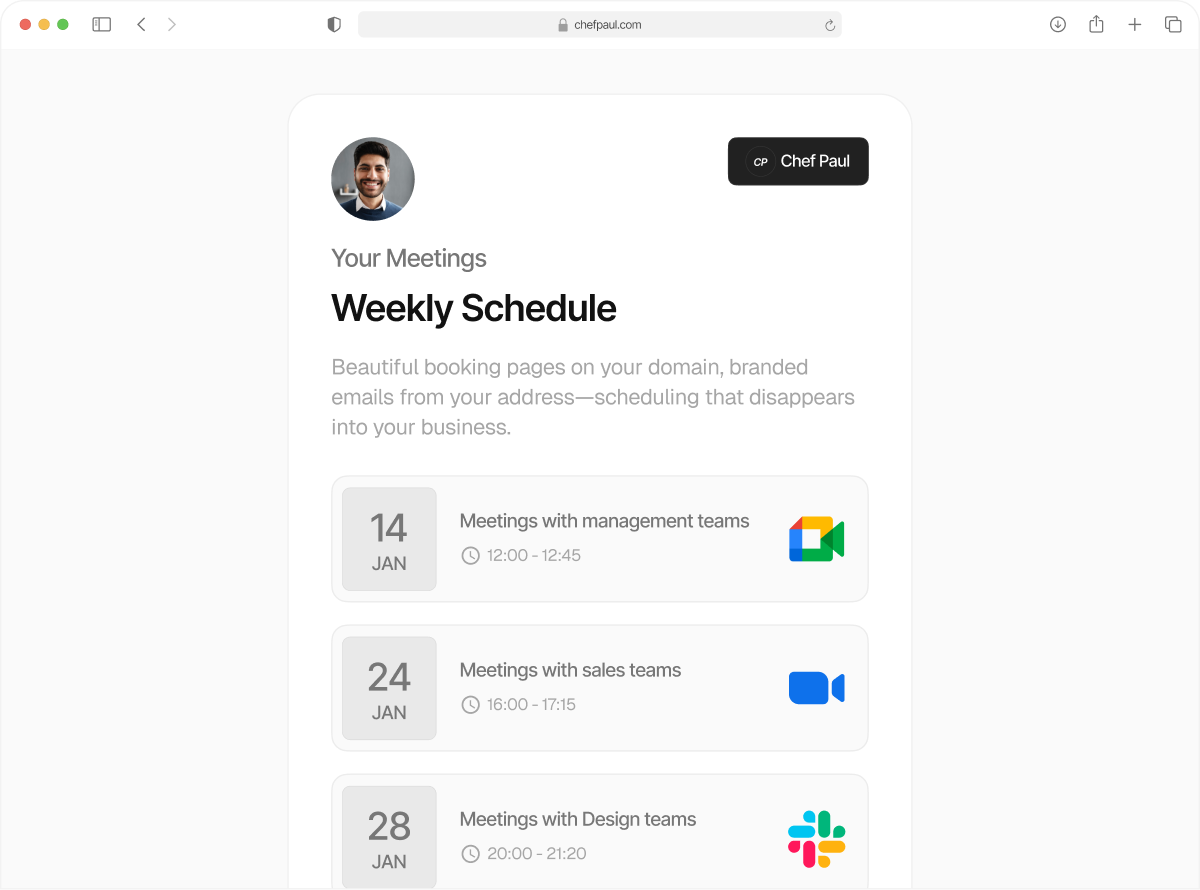
Your branding shapes how people experience your booking flow. In Schedule.so, that experience includes both the booking page and the emails sent before and after a meeting.
Smarter, simpler Scheduling starts here
Stop compromising between features and simplicity. Get enterprise-grade scheduling that actually works.